Customizable real estate templates are designed to address one of the most common challenges brokerages face: the sheer volume of requests for custom marketing from agents and sales reps.
Instead of building everything from scratch with one-off designs and copying and pasting elements shared across materials, you can use customizable branded templates to get things done with a few clicks. Let’s see how that actually works.
Why Real Estate Teams Struggle With Marketing Consistency
Most real estate teams struggle with consistency because agents are fundamentally independent operators. They’re encouraged to move fast, so naturally, long-term brand alignment goes out of the window.
So they default to whatever tool is easiest for them in the moment. One agent prefers Canva; another uses InDesign files they saved years ago. This results in a patchwork of fonts, colors, image styles, and messaging that are not consistent with the brand's visual identity, even if the agents believe it is “on brand.”
For marketing departments, this creates a constant game of whack-a-mole. Even with templates in place, once they’re downloaded and editable, control is effectively gone. Agents are likely to change spacing, stretch logos, and swap fonts, creating hours of work for marketing teams.
Print is where this problem becomes especially high-stakes since printed mistakes are permanent. The usual mishaps are yard signs with outdated colors, listing brochures with incorrect MLS numbers, and open house flyers missing compliance language. Sadly, these aren’t edge cases. We are discussing routine processes that require comprehensive real estate marketing software that understands how agents operate and effectively removes friction points.
What are Customizable Real Estate Templates?
Customizable real estate templates are pre-built marketing assets with built-in control. They’re designed to let brokerages lock in elements such as branding and compliance while still allowing agents to quickly and safely personalize listings.
What stays locked (by design):
- Brand elements: logos, colors, fonts, layouts
- Compliance items: license info, state disclaimers, fair housing language
What agents can edit:
- Photos, price, address, listing copy, open house details
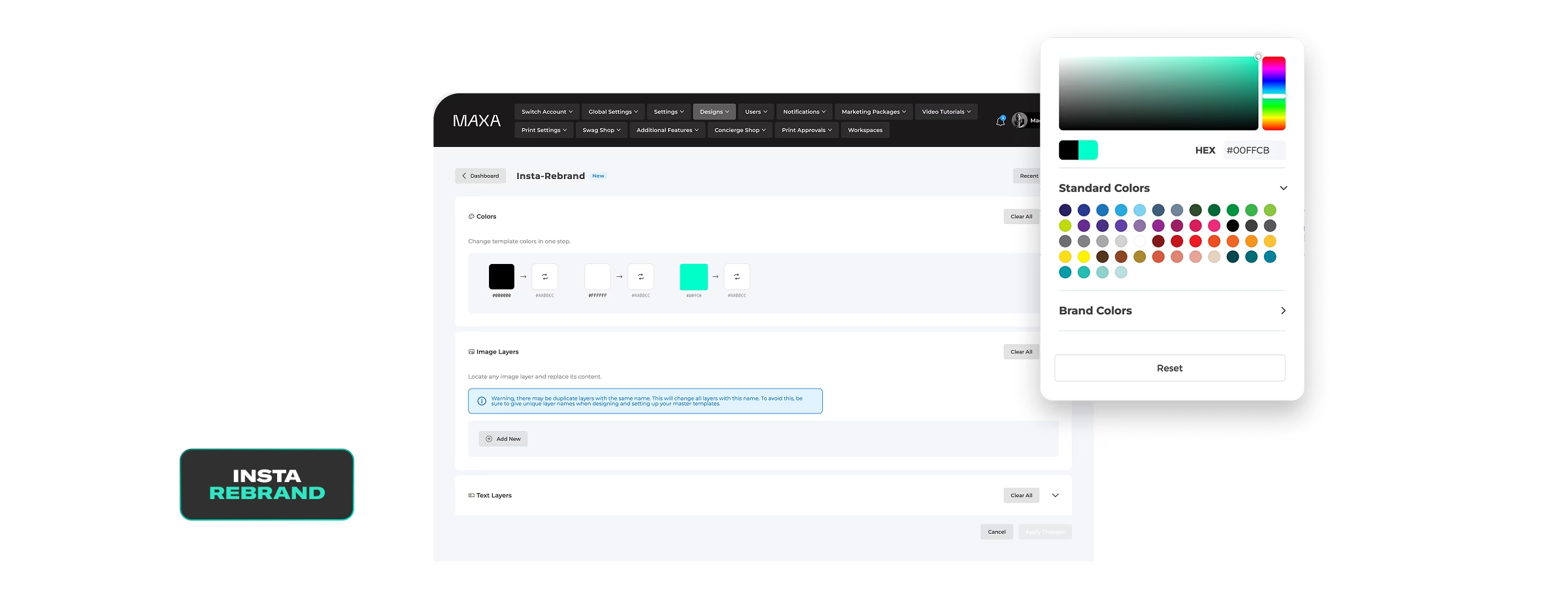
There are ways in which customizable templates can go even further. Take MAXA’s smart, customizable templates. They automatically populate up to 90–95% of an asset, pulling in agent contact info, headshots, team or DBA branding, MLS data, co-partner logos, and required disclosures so that agents aren’t designing, just reviewing.
The difference from starting from scratch is control at scale: faster turnaround, fewer mistakes, and consistent marketing, no matter how many agents or listings are in play.
One-Click Customization
One-click customization is exactly what it sounds like: an agent updates a few details once, and everything else is filled in automatically. Change the price on a listing, swap in new photos, or update the open house time and flyer; the Instagram post, email graphic, and print brochure are instantly refreshed.
For busy agents, this option means there’s no redesigning, no copying and pasting between tools, and no waiting on the marketing team for simple changes. On the other hand, for marketing teams, one-click customization means less manual design work and an end to correcting mistakes and outdated assets.
Additionally, with built-in guardrails, there are no compliance risks typically associated with creating marketing materials from scratch.
Speaking of which, building from the ground up means recreating the same work repeatedly: adding logos, adjusting fonts, checking compliance language, copying contact information, and hoping nothing gets missed. One-click customization removes the need for any of that. Plus, once the agents are done making whatever updates they want, be it photos, price, or status, the remaining details on the template remain intact.
Why Customizable Templates Are a Game Changer for Brokerages
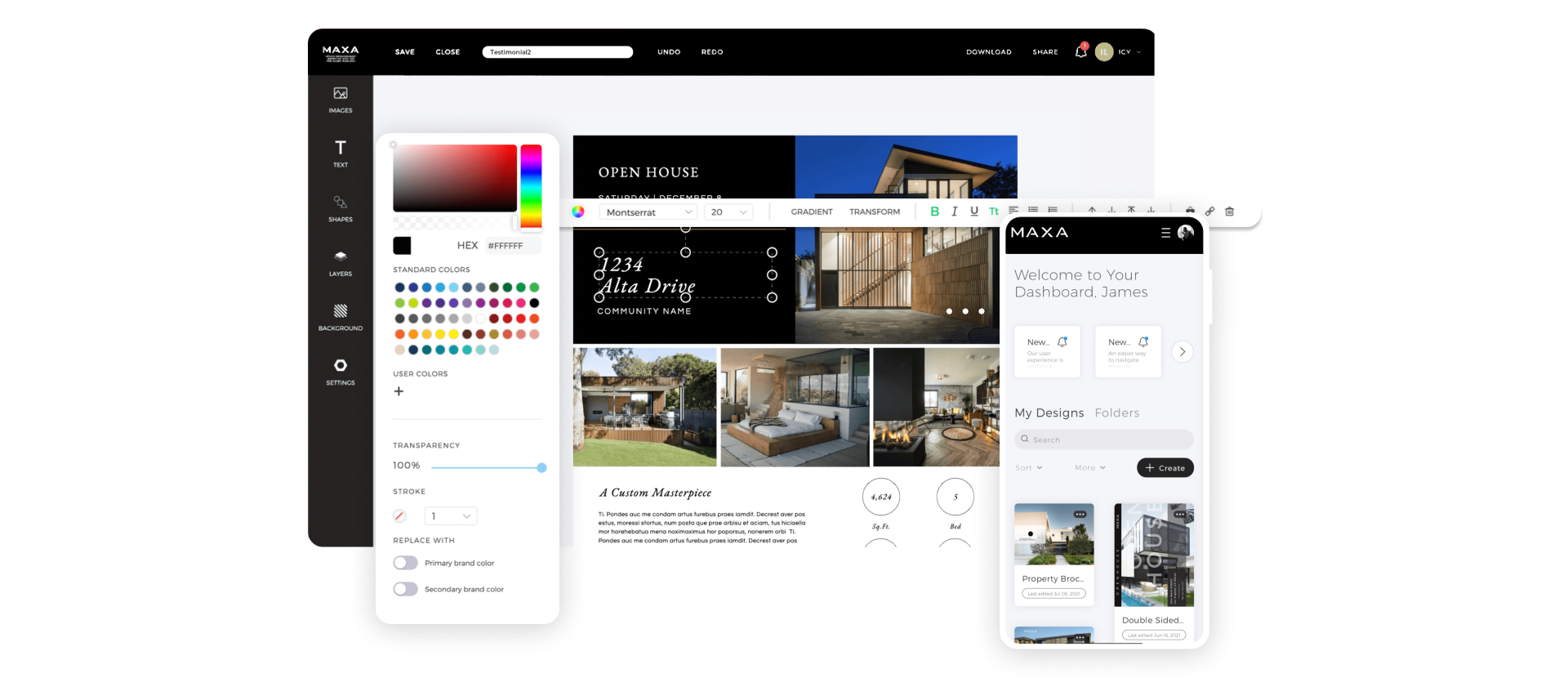
Customizable templates solve an old problem: how to let agents market properties quickly without losing control of the brand.
First, they enforce consistent branding across all listings and agents by relying on lockable templates and their ability to lock logos, colors, fonts, layouts, and required language. As a result, every flyer, postcard, and social post looks like it came from the same organization.
Secondly, they shorten listing launch timelines. There’s no more waiting on marketing or rebuilding assets. Agents can now generate everything they need the moment a listing goes live.
From an operations standpoint, templates reduce revisions and internal back-and-forth. Marketing teams aren’t correcting small errors or re-approving assets that should already be compliant.
Most importantly, they protect brand standards at scale. As agent count and listing volume increase, templates create a repeatable system that keeps marketing running smoothly.
One-Click Template Use Cases in Real Estate
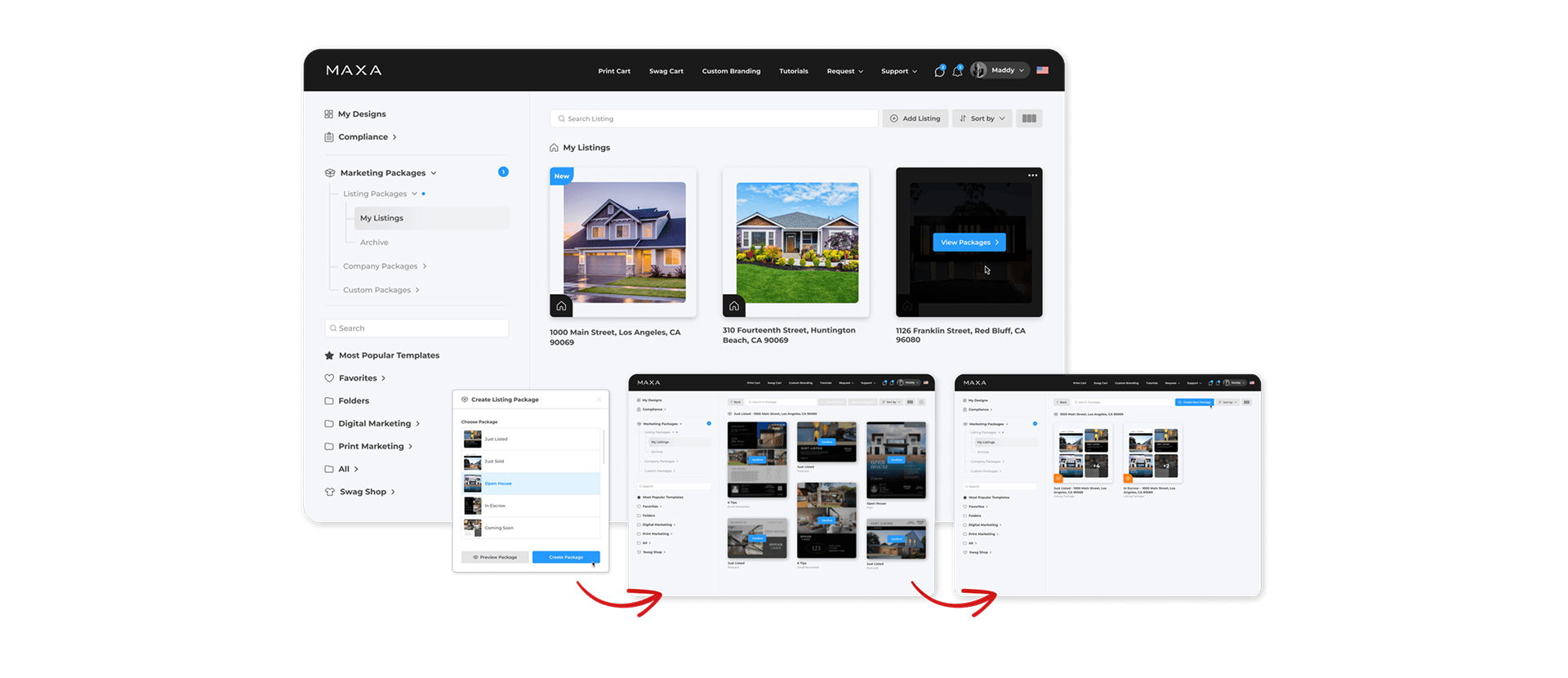
One-click templates are excellent for creating high-volume materials and rolling out hundreds of templates to agents without risking compliance issues. Common real estate use cases for these templates include:
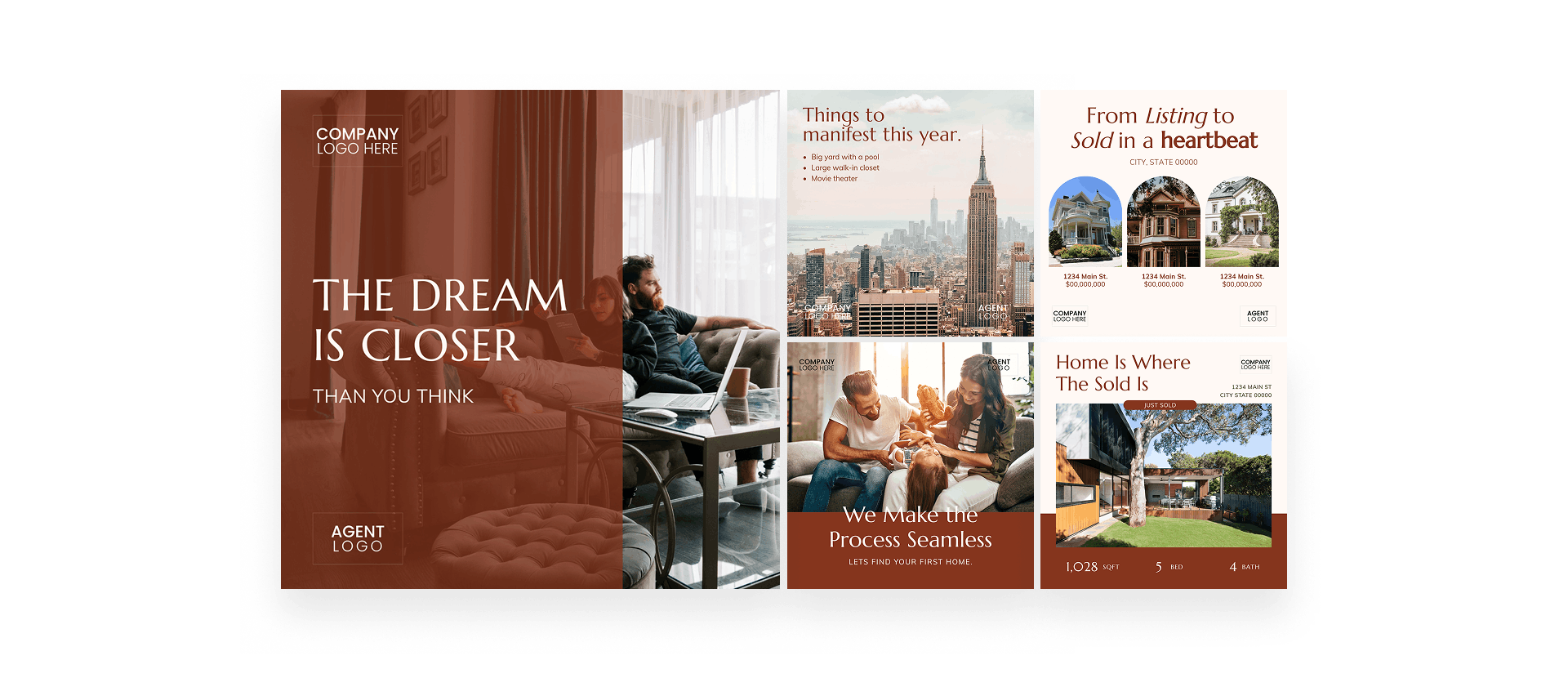
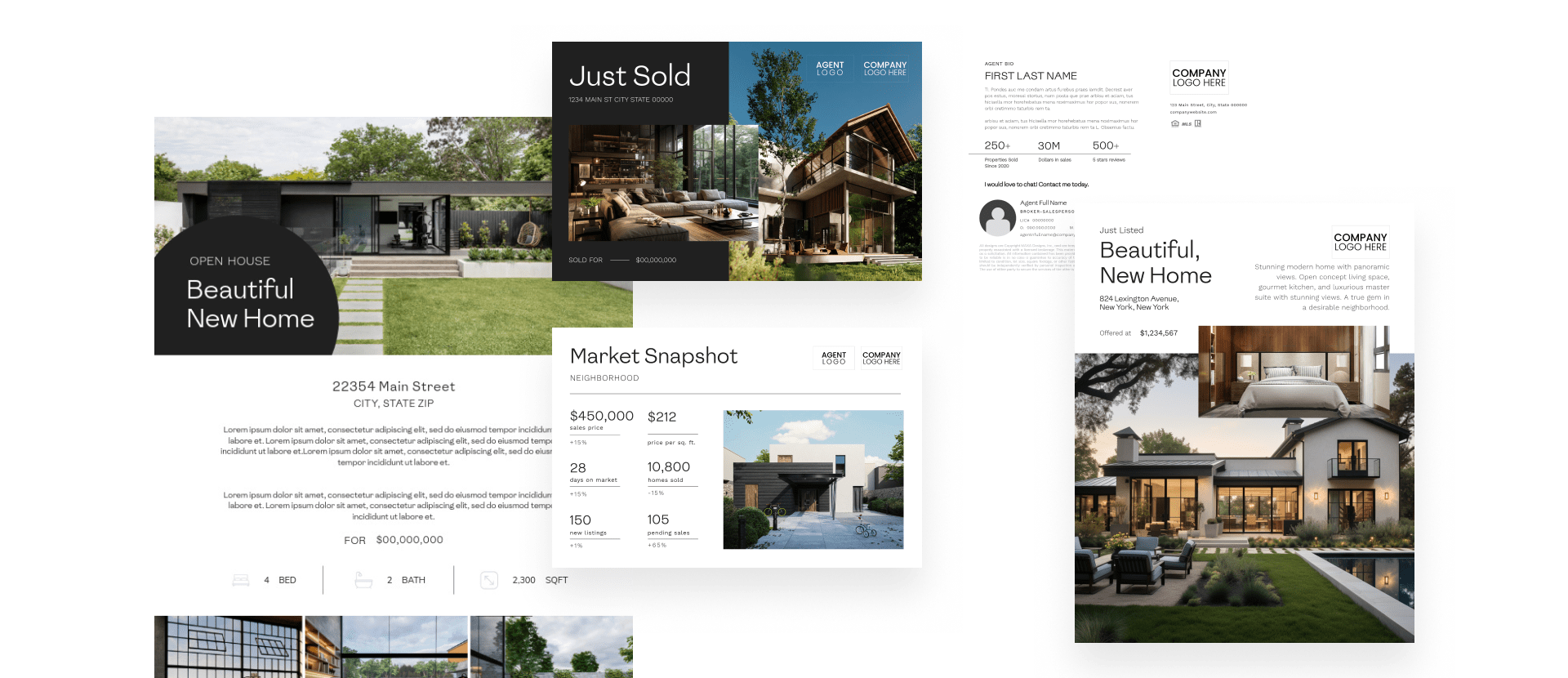
- Just listed / just sold posts: Update the property status once and instantly generate social posts, stories, and print pieces without redesigning anything.
- Open house flyers: Change the date and time, and the flyer updates automatically to ensure no outdated versions.
- Listing presentations: Enter the property address and agent information, and the deck populates with branded slides, visuals, and compliance language.
- Neighborhood market stats: Thanks to the Market Stats Data Integration feature from MAXA, you can pull data, such as median sales prices, number of properties sold, average days on market, number of active listings, and more, and add them to the template.
- Agent introduction graphics: Agents can create polished bios and headshots without touching brand elements or layouts.
- Email announcements and postcards: A single update produces both digital and print-ready assets, ensuring consistent branding across distribution channels.
How MAXA Enables One-Click Customization for Real Estate Teams
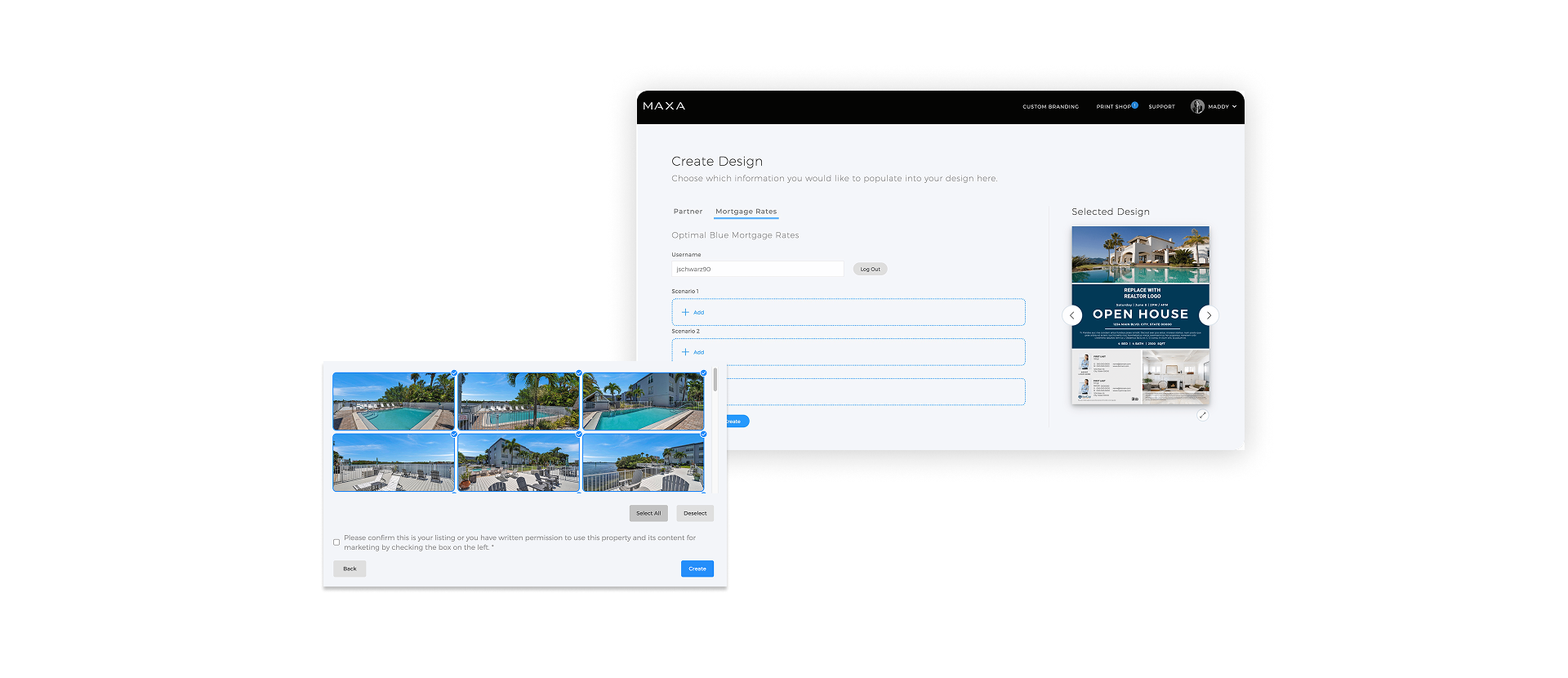
MAXA enables one-click customization through strict brand control and automated content population. Here’s how we do it.
Lockable Templates with Clear Rules
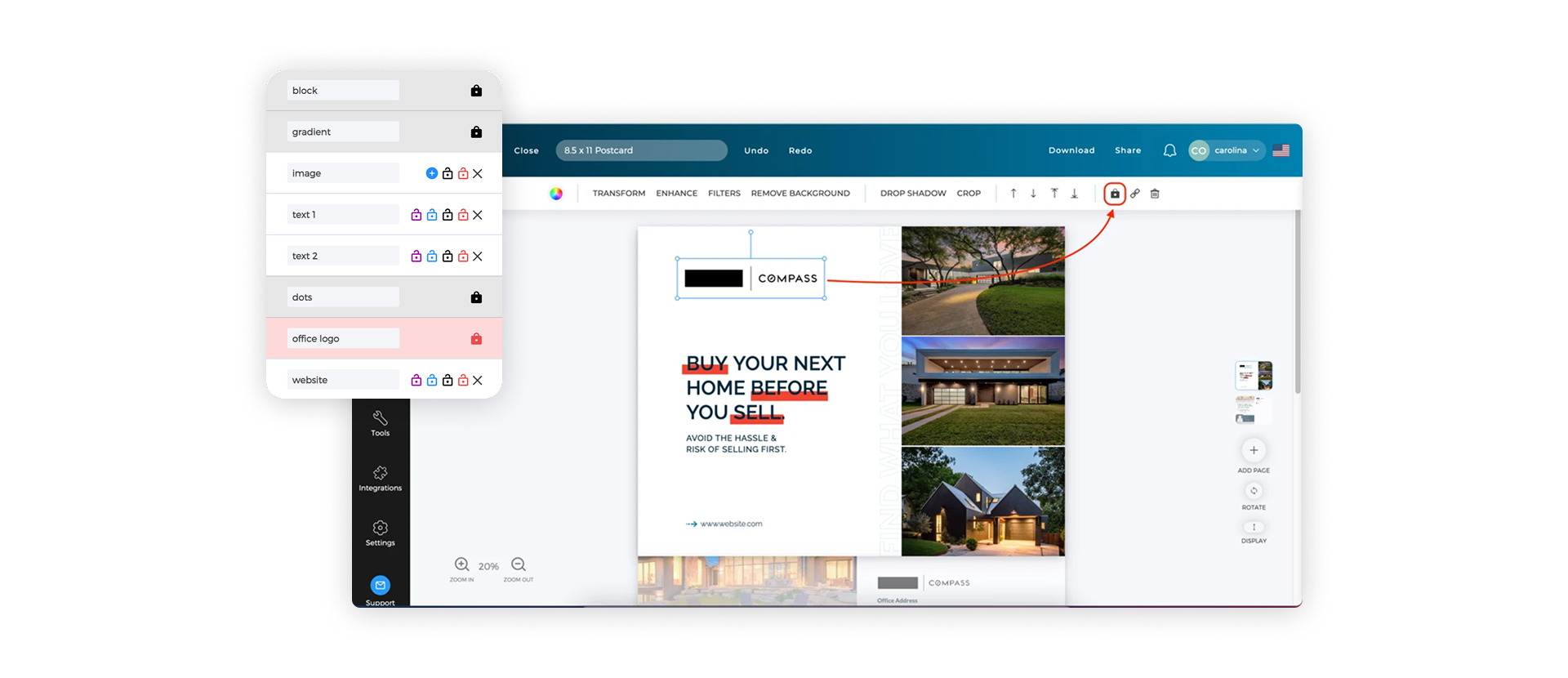
Marketing teams lock down logos, fonts, colors, imagery, disclaimers, and licensing details from the back end. Lock types are marked in different colors to make intent clear: some elements can’t be touched, some can be edited but not moved, and others trigger warnings if left unchanged. Controls can vary by DBA, team, or user, which is critical in multi-brand brokerages.
Central Template Library with Controlled Access
With MAXA’s design team, brokerages can create master templates, duplicate them, and set visibility for specific teams or agents. Agents only see approved designs intended for them, so there’s no confusion and no risk of using outdated assets.
MLS-powered Automation
Templates can automatically pull in property photos and data from the MLS. Agents select a property, and images and details populate instantly.
How to Implement a One-Click Marketing Workflow in Your Brokerage
One-click marketing is a building block of marketing automation, and automation is one of the key things that every real estate marketing system needs. Here’s how to implement it into your own workflow:
- Step 1: Build a master brand kit – Create a single source for all non-negotiables: logos, brand colors, approved fonts, imagery guidelines, licensing language, and compliance disclosures. This serves as the foundation for every template.
- Step 2: Convert templates into locked systems – Lock brand and compliance elements on all the flyers, postcards, and social media graphics so that agents will know what they can and can’t edit and customize.
- Step 3: Connect MLS and agent data – Integrate MLS property data and agent profiles so listings, photos, contact details, and disclosures populate automatically. No more need for manual updates.
- Step 4: Train agents on one-click usage – Show agents how to select a property, make a quick edit, and generate assets. When they see how fast things get done, you’ll never have to worry about agents ignoring your templates again.
- Step 5: Review and update monthly – Once templates are set, update disclaimers, refresh designs, and remove outdated content to keep the system clean and working correctly.
Final Thoughts: Make Marketing Easy for Every Agent
One-click workflows let agents move at the speed all brokers would like them to, but without the risk to branding and compliance. The goal is to make templates, automation, and data work together so listings can go live faster and be error-free.
Book a call with MAXA to see how our real estate templates and one-click customization exist within a single platform that adapts to your business, and not the other way around.