Rolling out marketing templates to hundreds of agents sounds like a dream, until you realize it can lead to brand inconsistency, compliance risks, and constant support requests.
What starts as an efficiency boost can easily turn into a design and management nightmare if not handled properly.
In this guide, we’ll break down how to scale your marketing templates the right way, without losing control of your brand or your other workflows.
The Challenges of Scaling Marketing Templates in Real Estate
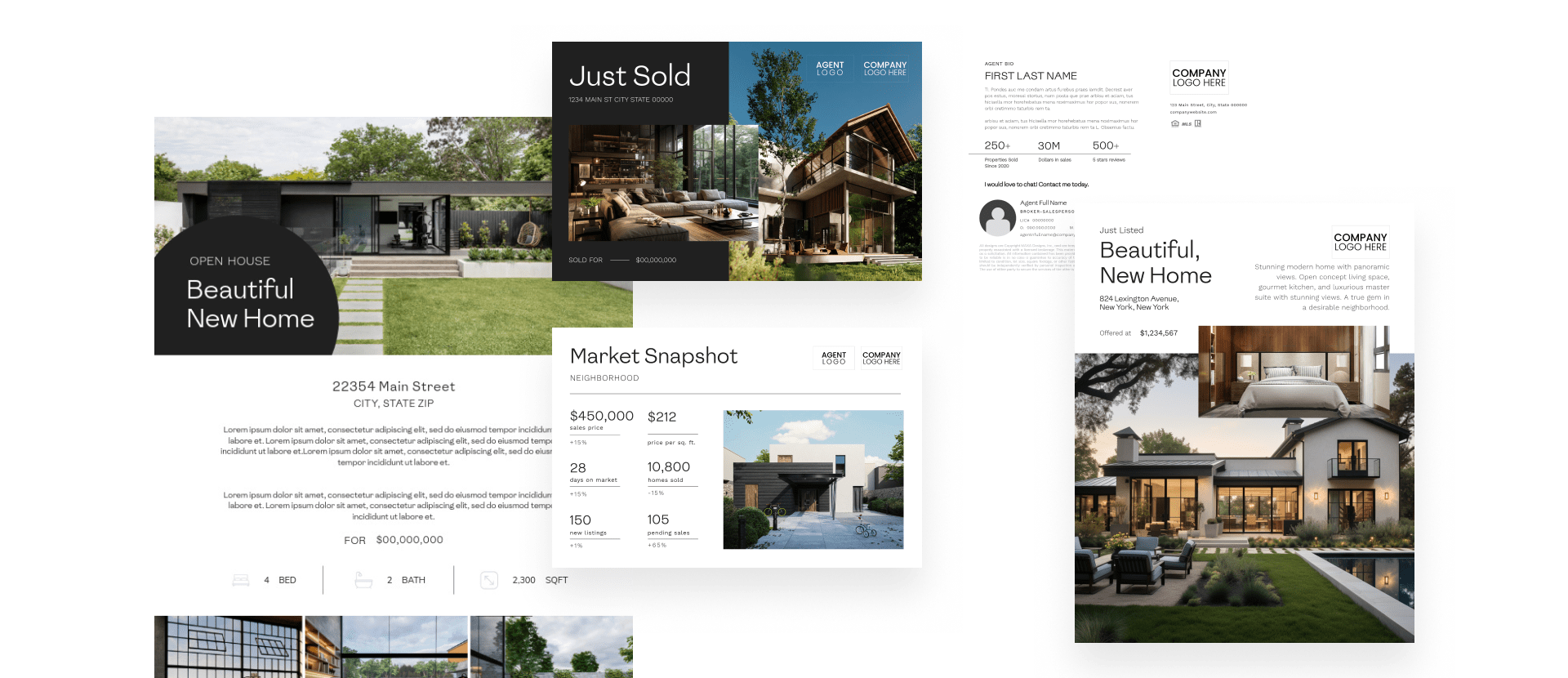
Rolling out templates for real estate teams at scale is challenging, as keeping everything consistent can feel like a full-time job.
In this section, we’ll explore the main issues brokerages face when sending out marketing templates in bulk.
Every Agent Has Different Needs
No two agents operate the same way. Listing types, price points, and markets all vary, and so do branding preferences.
For example, a high-end luxury agent might need sleek, minimalist templates, while another may prefer bold colors and local imagery.
Balancing these needs while maintaining consistent branding becomes difficult, especially as the number of agents grows.
Brand Consistency Gets Lost in Translation
When everyone has the freedom to edit templates any way they want, your brand identity may suffer. Your team may swap fonts, resize logos, or forget to include disclaimers.
On the other hand, if templates are too rigid, agents may stop using them altogether and create their own off-brand materials because that’s easier for them.
The key here is to give teams enough flexibility. They should have enough freedom to personalize templates, while ensuring every asset is aligned with your brand as much as possible.
Design Teams Get Overwhelmed
When multiple agents need custom designs, your design team may get overwhelmed and become a bottleneck.
Instead of taking care of strategic projects, your designers will need to handle one-off requests like swapping photos, moving headings around, or changing colors.
To avoid this, you need scalable systems that will free up your teams’ time and boost efficiency, instead of increasing manual workload.
Compliance Is Hard to Enforce at Scale
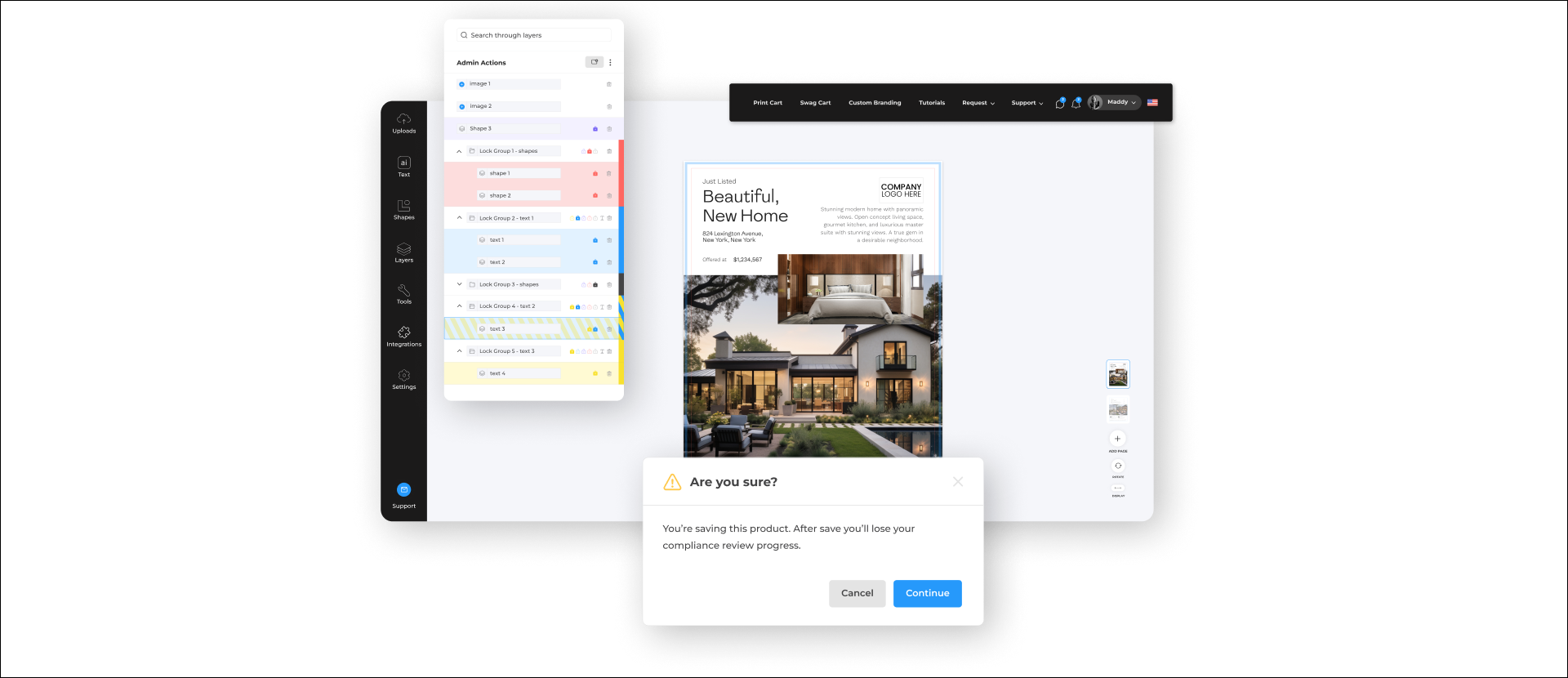
Even the best-designed templates can cause issues if they don’t include the right disclaimers, license numbers, or regional details.
Because of that, when your agents start tweaking files manually, compliance can become challenging to monitor and enforce.
As a result, a single missing disclaimer can expose your brokerage to legal risks and potential fines. Luckily, this is pretty easy to avoid with the right strategy.
The Foundation: Designing Templates for Scale
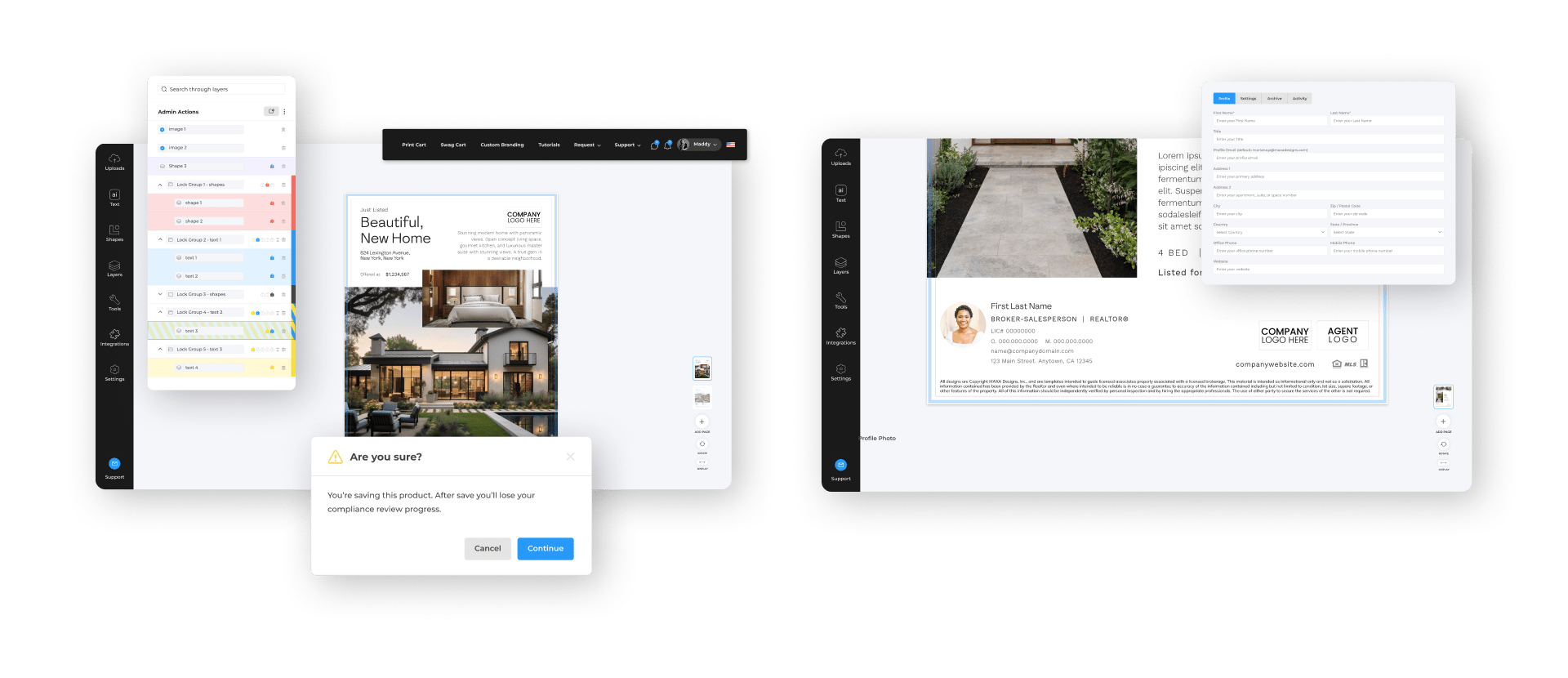
Now that we’ve identified the main challenges, the next step is to design templates that can scale without breaking your brand or overwhelming your team.
Start With Your Most-Used Formats
To save time and do this efficiently, start with the formats and marketing materials your agents use daily, such as social media posts, listing flyers, postcards, and open house signs. These materials deliver the highest visibility and ROI.
By approaching the process this way, you’ll be able to perfect the workflow and expand as adoption grows.
Trying to do everything at once may overwhelm both your design teams and agents, which will ultimately increase your expenses and decrease your efficiency.
Lock Key Brand Elements
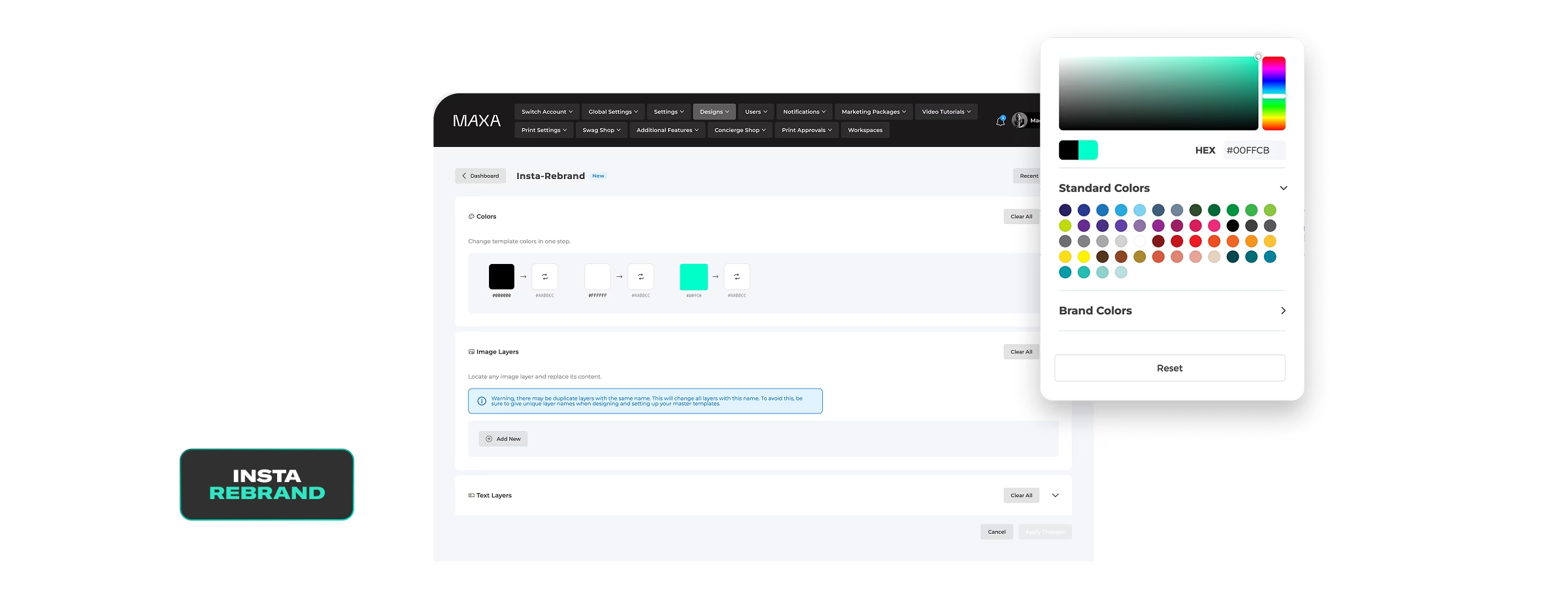
To ensure consistency, lock down everything that defines your brand, such as logos, color palette, and fonts. Teams shouldn’t be able to change these.
Then, leave enough room for personalization with the remaining elements. Agents should be able to add their name, photo, and contact details without changing your core brand visuals.
Adding slogans and taglines should also be possible, which would allow each team member to personalize templates for different use cases.
Include All Legal Requirements by Default
All of the templates that you send out should include essential legal requirements to protect both your agents and your brokerage, such as:
- Disclaimers and fair housing statements
- Licensing numbers
- Office addresses and broker information
- MLS fields and any required regional data
Leaving it up to agents to decide what to include leaves room for costly legal errors and increases time spent on the creative process.
Design With Usability in Mind
Usability should be one of your top priorities when designing templates. If it takes 10 or more clicks to customize, no one will use them. Ideally, agents should be able to personalize and publish templates in three clicks or less.
To achieve this, focus on having a clear structure, easy text replacement, and streamlined image uploads. This way, you ensure your templates are actually used and serve their intended purpose, which is to save time and maintain your brand consistency.
Choose the Right Platform to Distribute Templates
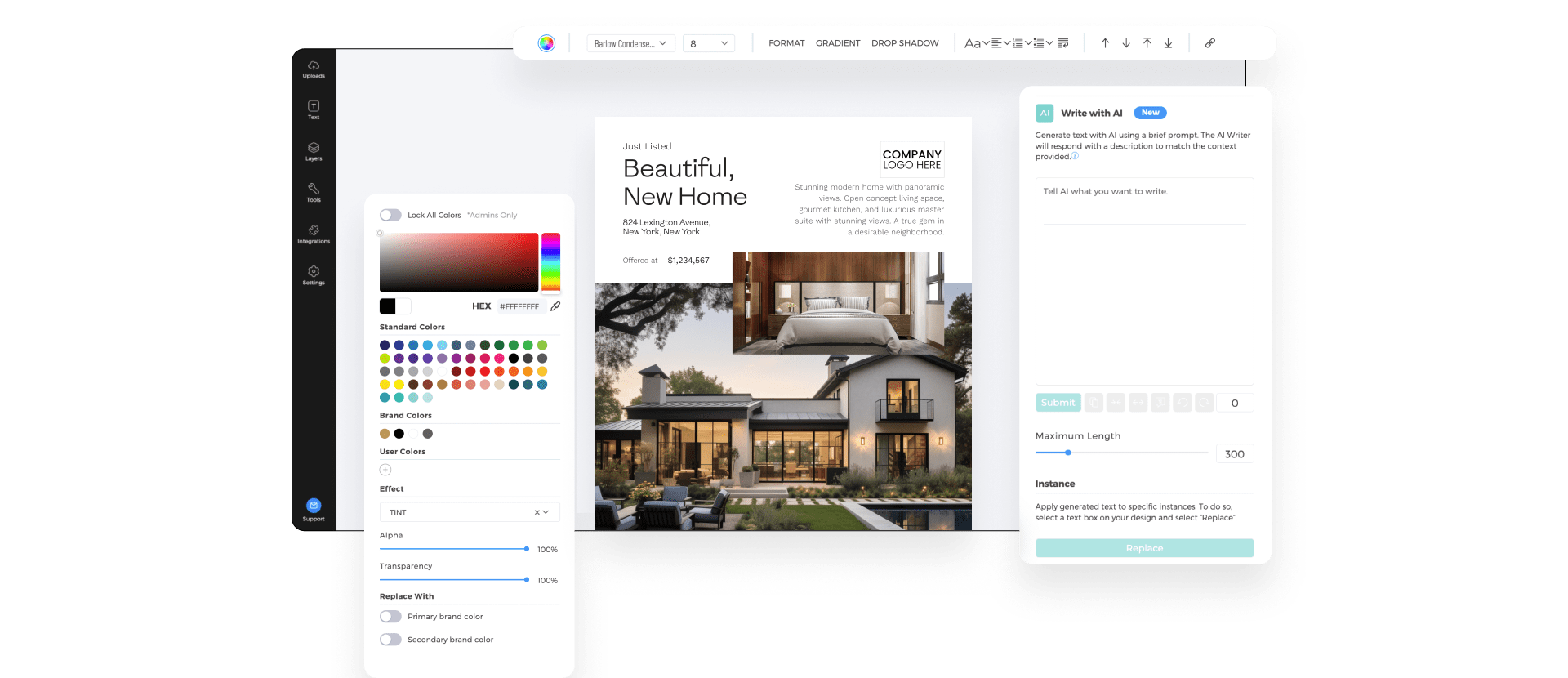
Building a scalable design foundation is just the first part of the process. Once you have the right foundation in place, you need a reliable way to distribute and manage templates across your organization.
This is where MAXA can help, with our white-labeled marketing design automation platform and industry-leading features.
Use a Centralized System
Avoid Dropbox, Google Drive, or email threads. Use a real marketing platform that can give you full control over how assets are shared, updated, and used.
For example, MAXA’s workspace hierarchy allows marketing teams to distribute branded templates across hundreds of agents while maintaining control over brand assets and compliance.
Compared to juggling Google Drive links or email attachments, MAXA simplifies things and ensures every agent is always working with the most up-to-date, compliant design.
Enable Auto-Population of Agent Data
Requiring agents to manually enter their details is a recipe for errors.
With MAXA, you can automatically populate name, photo, license numbers, and contact info directly into templates. This saves valuable time and ensures accuracy at scale.
Allow Permission-Based Access
Not every agent or office needs access to every design. Permission-based access ensures teams only see templates relevant to their region or role. This reduces confusion and helps your team members find and use exactly the templates they need.
With MAXA, brokerages can easily set access levels, keeping things organized and preventing off-brand edits.
Track Usage and Adoption
Once templates are live, it’s time to see how agents are using them and what the rate of adoption is.
An all-in-one solution like MAXA can help here as well by allowing you to track how often templates are used and by whom. This way, marketing teams can identify what’s working well and where agents may need more support.
Tracking adoption also helps justify your investment by showing the impact of centralized marketing to your stakeholders and ensuring further financing.
Internal Strategies to Ensure Adoption

Even the best-designed templates are of little help if agents don’t use them.
Here’s how to maximize adoption by prioritizing timing, communication, and support.
Launch With Internal Marketing
Treat your internal template rollout like a real marketing campaign. The best approach is to build excitement gradually with:
- Announcement emails showcasing the new system
- Quick-start training videos
- Office walkthroughs and live demos
This way, agents will feel that the change is designed for them, instead of being just another corporate tool that they are forced to use.
Design for Moments in the Agent Journey
To ensure maximum adoption, push templates at the right moments, when they would be most beneficial. For example, you can publish:
- A “Just Listed” postcard when a new property hits the market
- A “Thank You” social post after a successful closing
- An “Open House” flyer as soon as an event is created
This way, the templates you create won’t sit idle, but will likely be used right away, allowing you to easily track how they’re used and make necessary improvements.
Support and Feedback Loops
Collecting feedback helps refine your template library over time, allowing your design and field teams to collaborate more efficiently.
Try to create a system where agents can easily request new templates, suggest improvements, or report issues or errors.
Over time, this will allow you to continuously improve your library based on real-world usage, ensuring templates stay relevant, practical, and aligned with your agents’ day-to-day needs.
Conclusion
Rolling out marketing templates to hundreds of real estate agents doesn’t have to result in chaos. With the right foundation, tools, and internal communication, you can scale your marketing without losing control of your brand or overwhelming your design team.
MAXA’s platform makes this possible by combining brand control, automation, compliance, and scalability in one place.
Book a demo with MAXA and discover how easy it can be to empower 500+ agents while keeping your brand consistent and compliant.
.avif)